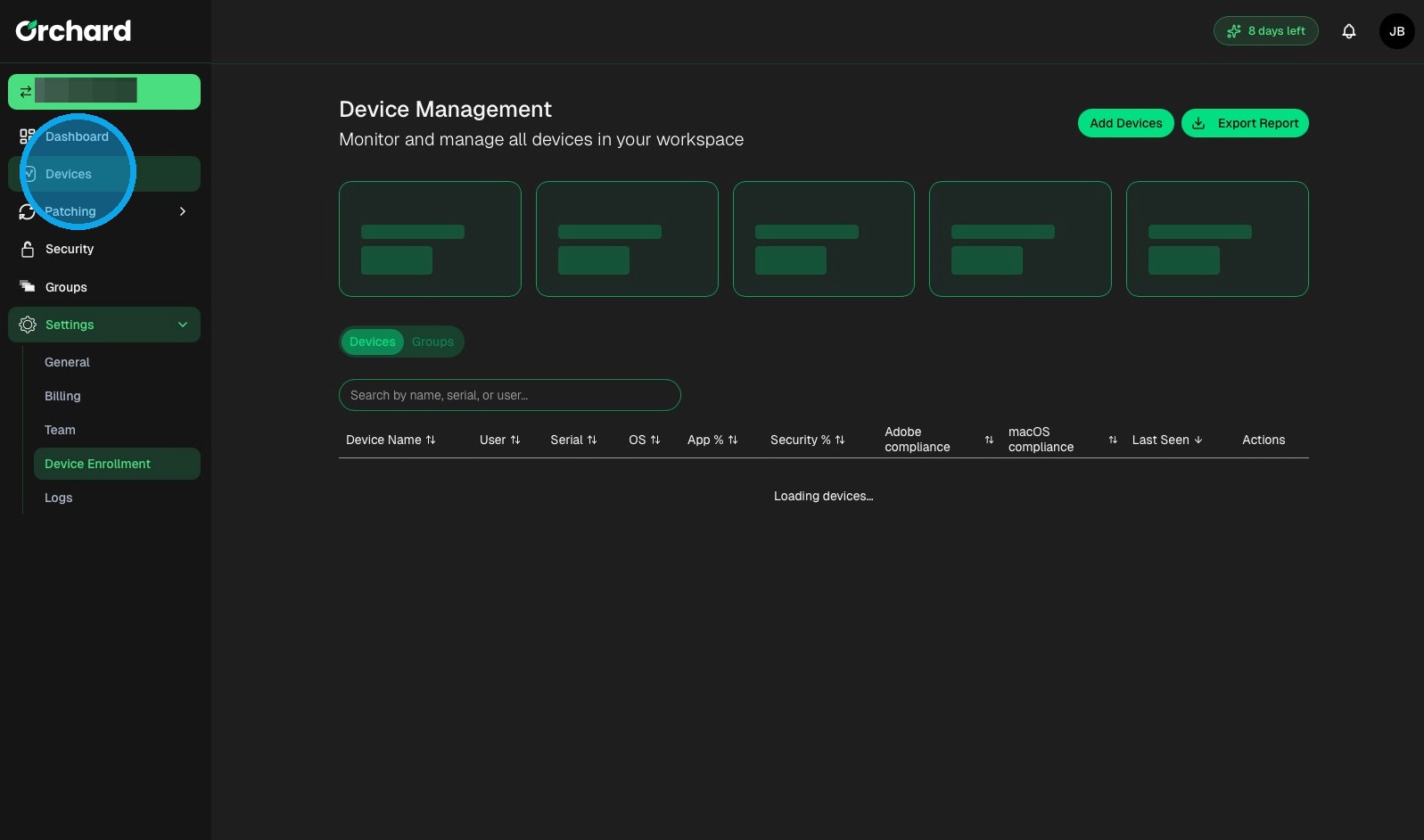
Enrollment Navigation
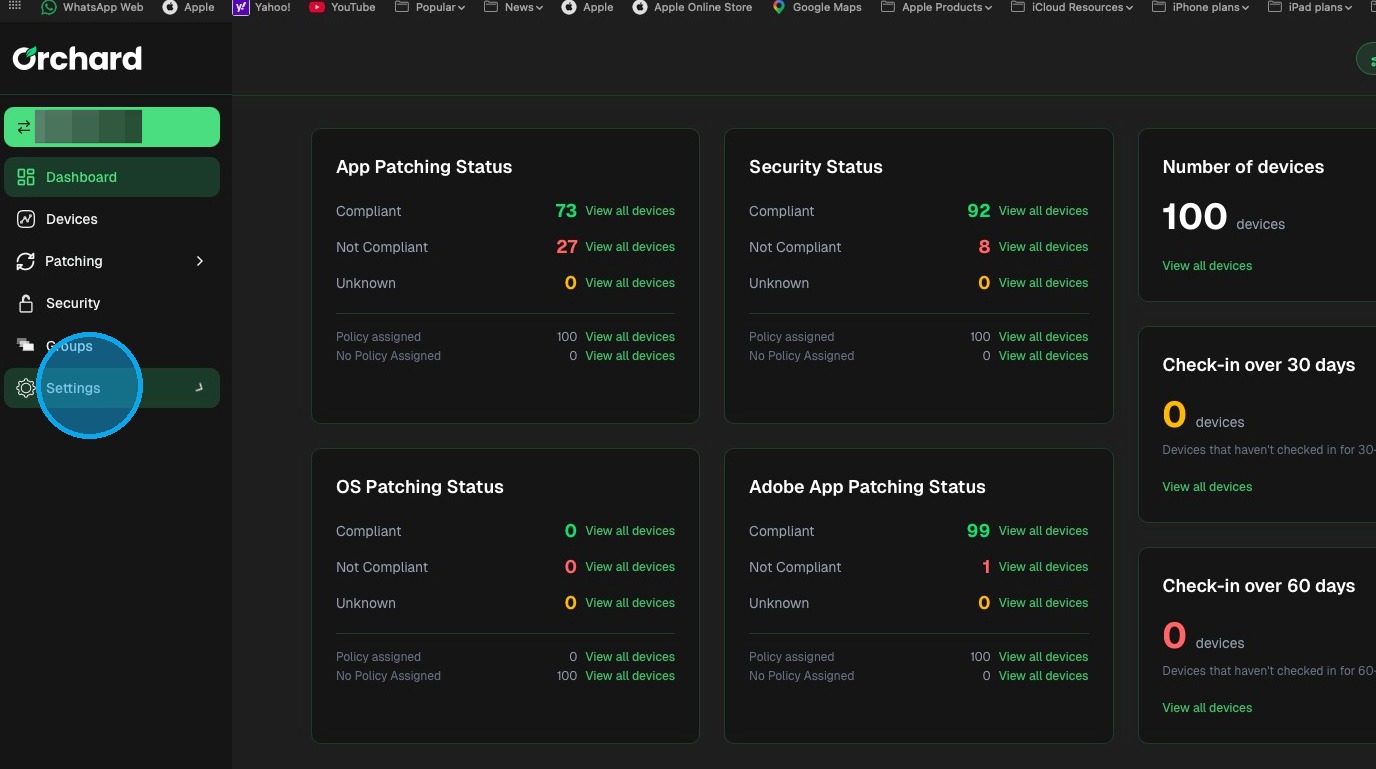
1. Click "Settings"
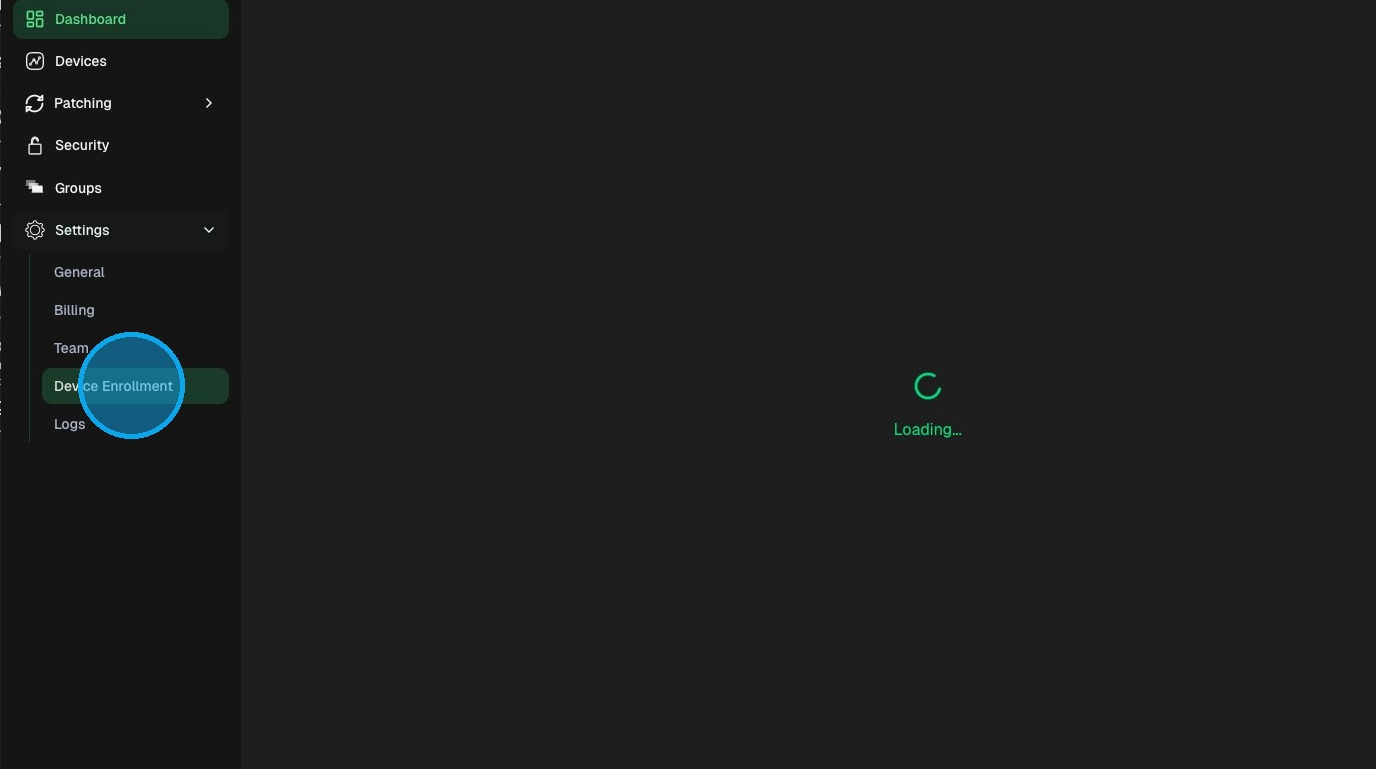
2. Click "Device Enrollment"
3. 1. Click on Download .PKG to download the enrolment installer
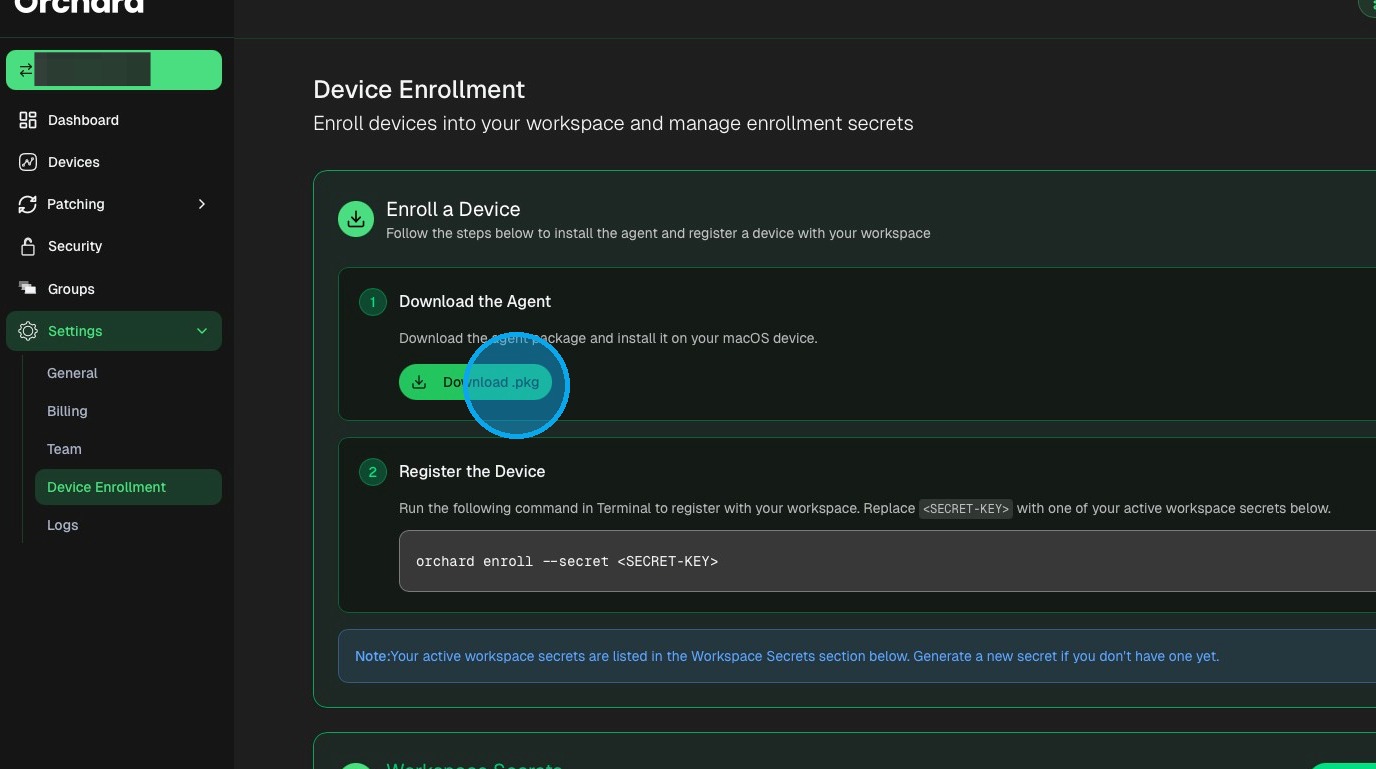
Install the PKG following the on-screen steps
Agent Installation
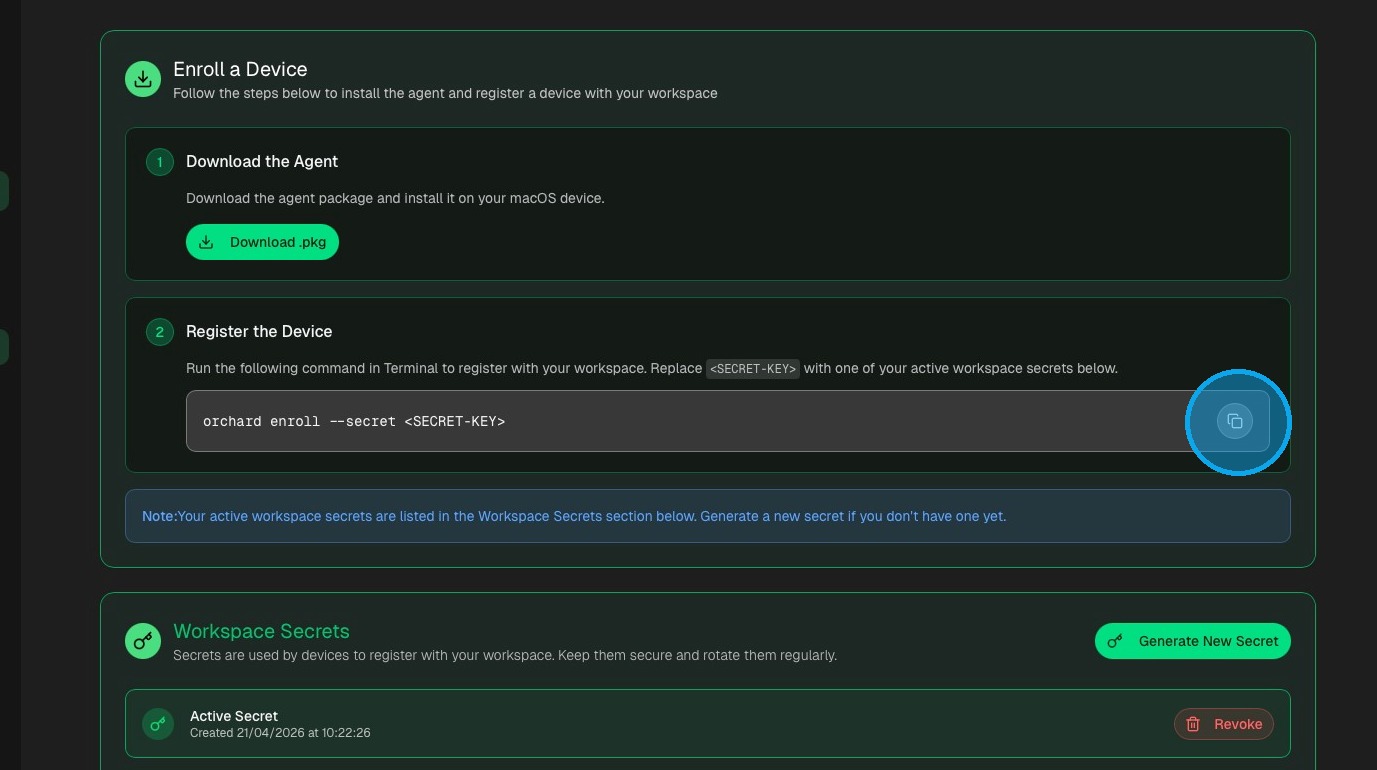
4. Click the copy icon to copy the enrollment command
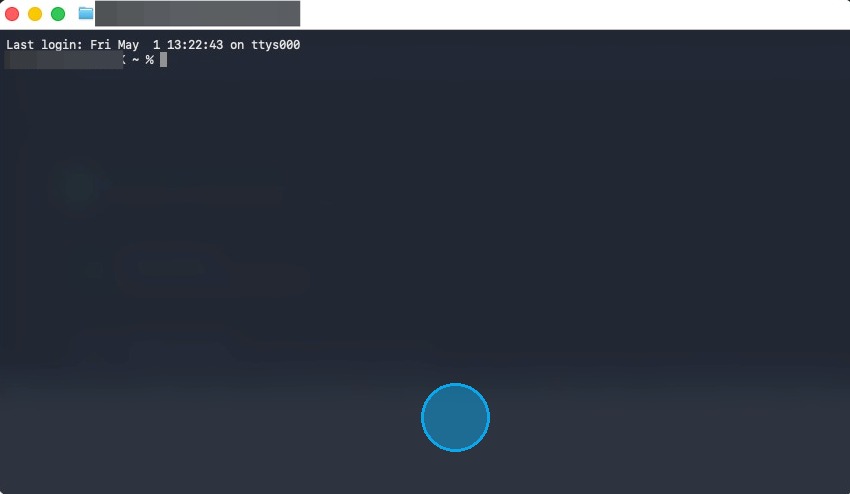
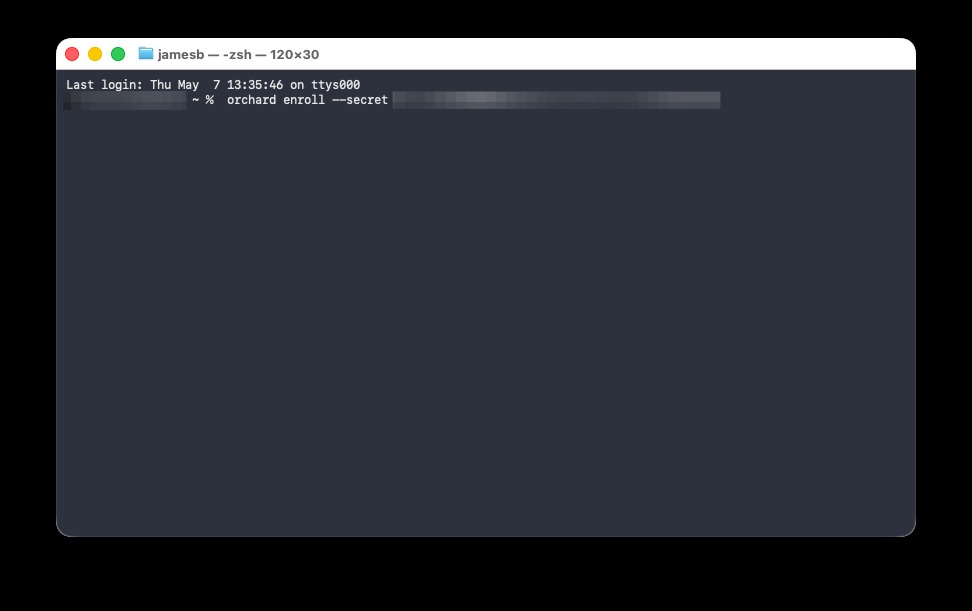
5. Open Terminal and "Paste" the registration command into the shell
orchard enroll --secret <SECRET-KEY>
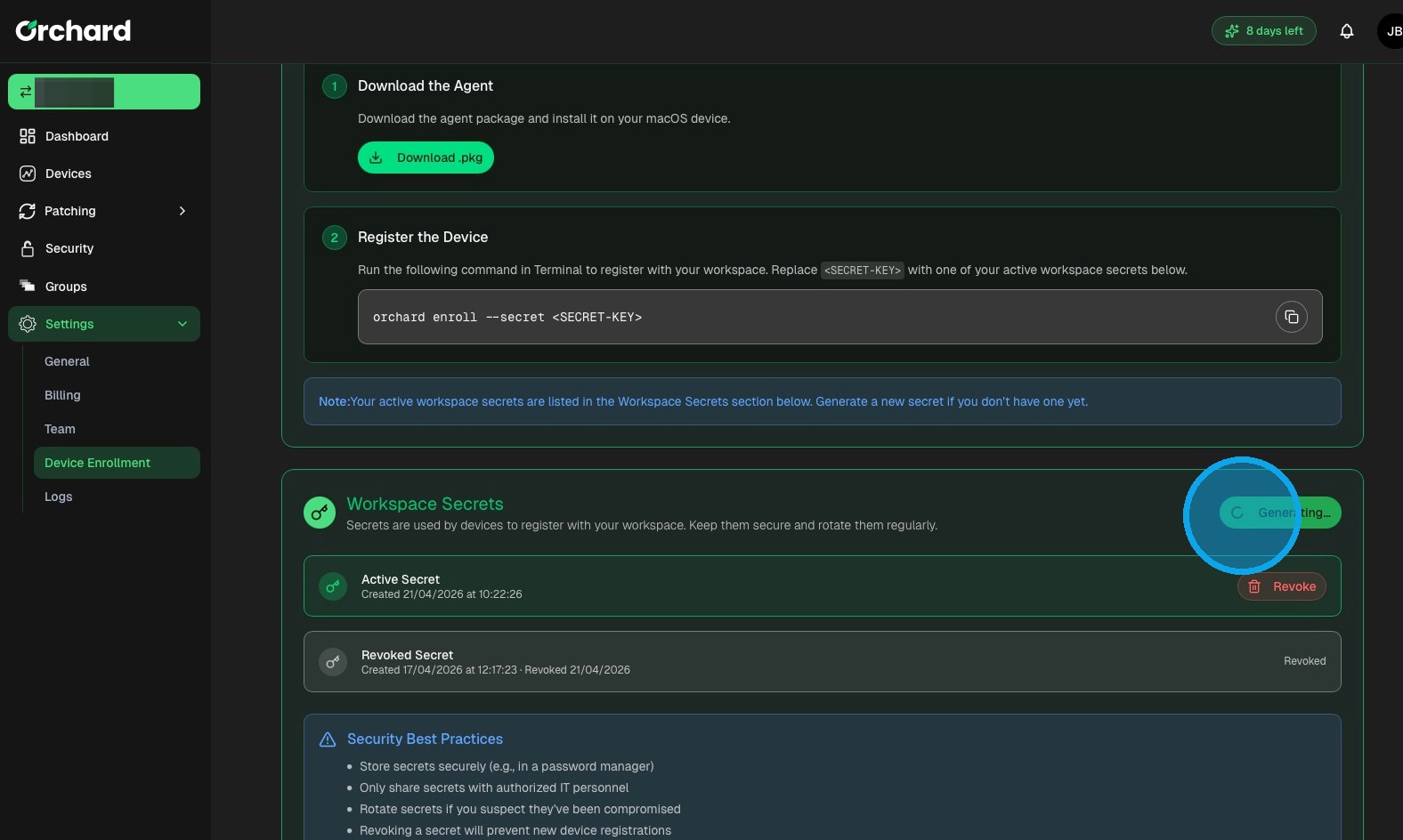
6. Click "Generate New Secret"
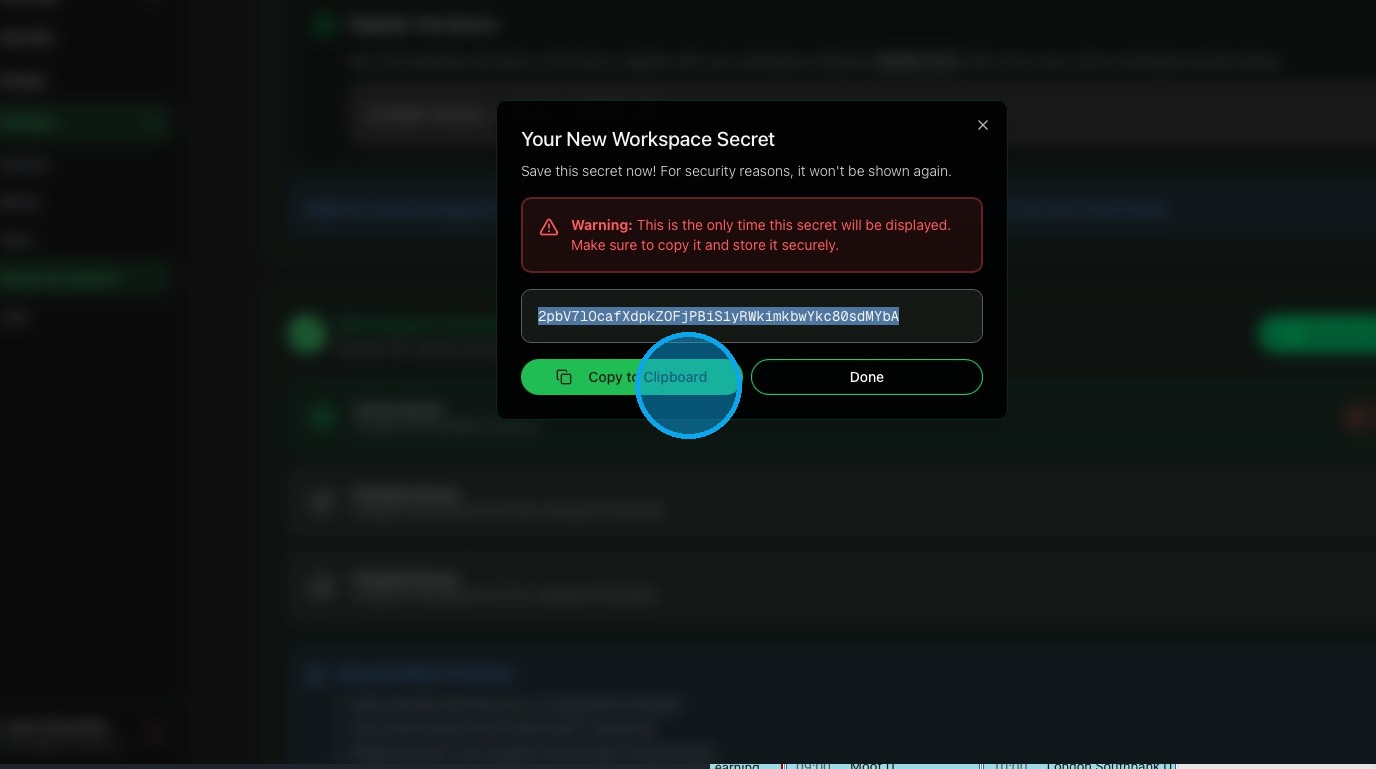
7. This Secret will only be shown once, please make note of it and Click "Copy to Clipboard"
8. In the Terminal remove <SECRET-KEY> and insert the secret from the clipboard
Secret Management
Device Monitoring
9. Click "Devices" to see your newly enrolled device